
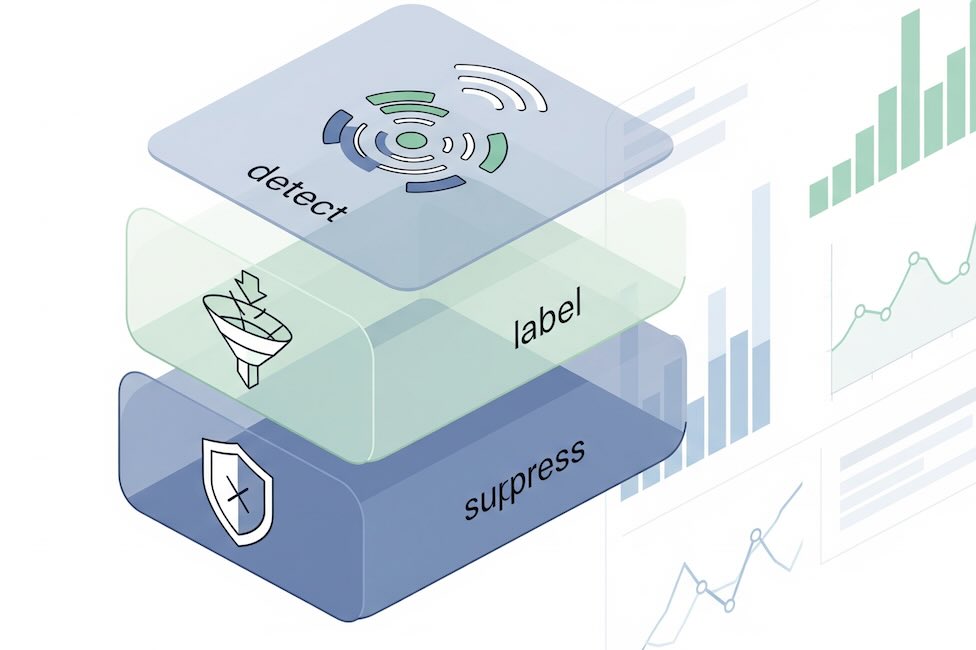
Bots muddy your attribution, inflate CPCs, and make A/B tests lie. The fix isn’t a single switch; it’s a layered process that detects, isolates, and carefully suppresses invalid traffic (IVT) without nuking real users or corrupting trend lines. Here’s a practical playbook for marketers, data analysts, and e-commerce teams.
Step 1: Confirm it’s bots, not a campaign quirk
Before building filters, prove the anomaly isn’t just creative fatigue or a mislabeled campaign.
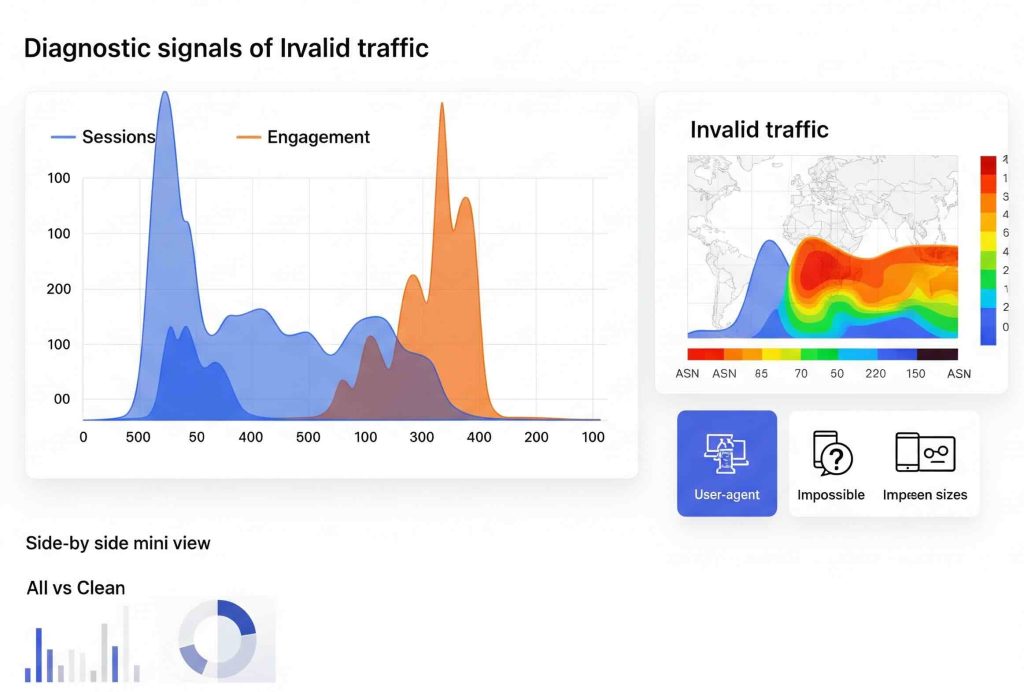
Quick signals of IVT:
- Engagement rate plummets while sessions spike.
- Average engagement time ~0–1s; no scroll, no clicks, no add-to-cart.
- Odd languages (e.g.,
(not set), single letters), impossible screen sizes (0×0,1×1), or headless user agents (HeadlessChrome,python-requests). - Traffic surges from one ASN or data center region.
- Self-referrals or junk referrers in bursts.
- “Direct” traffic explodes right after you launch paid media.
Where to look: GA4 Explorations (by hour/day, device, geo, browser version), ad platform breakdowns, WAF/bot manager logs, and raw web server logs if you have them. If you’re not sure whether the issue is bots or a tracking misconfiguration, our Fix My Tracking decision tree can help you narrow it down.
Step 2: Baseline your “human” fingerprint
Define what legit traffic looks like so you can compare.
- Human benchmarks (your site will vary): session-to-user ratio, typical engagement rate, median session duration, add-to-cart rate, % returning users, typical geo mix.
- Create a “Clean Segment” in GA4: include only sessions with at least one meaningful event (e.g.,
scroll,view_item, orbegin_checkout), and exclude impossible screen sizes or languages. Use it as a reality check when diagnosing spikes.
Step 3: Tagging hygiene that reduces fake hits
Most fake analytics comes from scripts or servers, not real browsers.
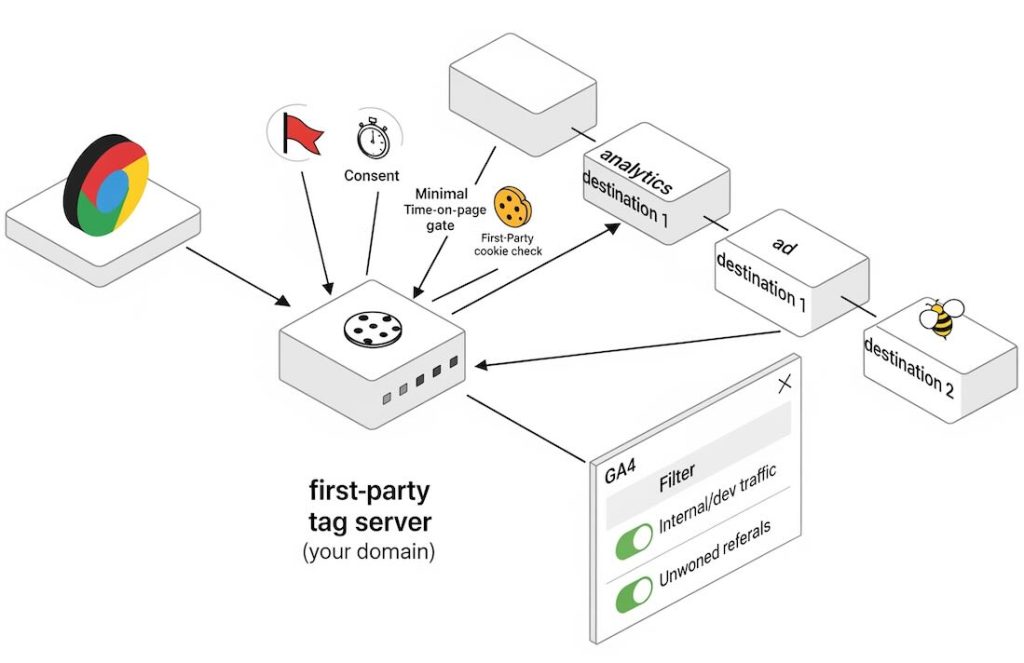
- Move GA to server-side tagging (sGTM). Keep the Measurement Protocol secret at the server; don’t expose it in client code. Validate client hints (UA, IP, referrer) before forwarding to GA4.
- Gate analytics with lightweight checks: only fire GA after
document.readyState === 'complete', presence of a first-party cookie, and a minimum time-on-page (e.g., 400–600ms) to filter basic hit-and-run pings. - Add a silent bot honeypot: a hidden link or field that real users won’t hit; if triggered, tag the session with
bot_suspect = 1(custom dimension) and optionally suppress downstream collection.
Step 4: Use GA4’s built-in defenses—safely
GA4 automatically filters many known bots, but not all. Add your own logic without deleting history.
- Internal Traffic filter: define office/VPN IPs (Admin → Data Streams → Configure tag settings → Define internal traffic). Set the Data Filter to Testing first, then Active after a week.
- Developer Traffic filter: exclude hits with
debug_mode(keeps QA clicks out). - List unwanted referrals: block payment gateways and spammy domains from starting sessions (avoids self-referrals that mask bot sources).
- Custom dimension flags: ship
bot_suspectortraffic_typeand build Comparisons, not global exclusions, while you test. For a printable reference of GA4 dimensions and event parameters, see our cheatsheet generator.
Rule of thumb: start with include logic (allowlists) on suspicious campaigns/placements inside reporting, not hard property filters, until you’re certain.
Step 5: Network-level control that doesn’t break real users
Crawlers that ignore robots.txt need edge controls.
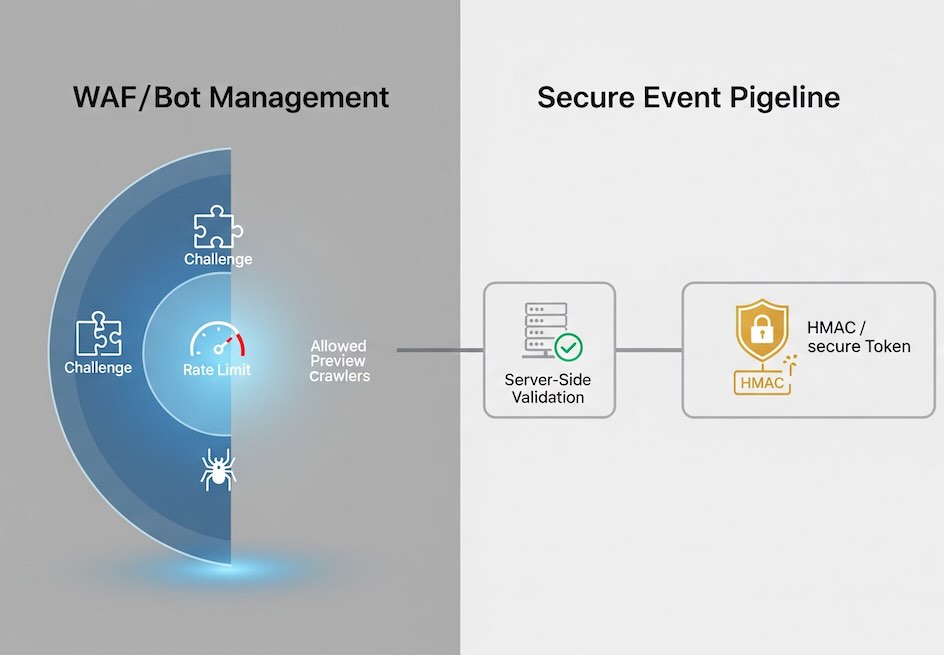
- WAF/Bot management (Cloudflare, Fastly, Akamai, etc.):
- Challenge (JS or CAPTCHA) traffic with low bot scores only for segments you don’t monetize (e.g.,
/wp-admin, scrapers of PDP lists). - Rate-limit paths that bots hammer (search, sitemap, cart API).
- Block or challenge headless UAs and data-center ASNs that never convert.
- Challenge (JS or CAPTCHA) traffic with low bot scores only for segments you don’t monetize (e.g.,
- Ad and social crawlers: allow known preview bots (e.g., Facebook, LinkedIn) so share cards work. They typically don’t run GA scripts anyway.
Step 6: Practical detection patterns that work
Use a combination; don’t rely on any single signal.
- User-Agent & headless: contains
Headless,PhantomJS,Selenium,Puppeteer,curl/,bot,spider, or libraries likepython-requests. - Language anomalies:
(not set),C, or >6-char strings at volume. - Screen resolution:
0×0,1×1,100×100, or a single rare size dominating a campaign. - Velocity: dozens of sessions from the same IP/ASN within seconds.
- Event mix: page_view without downstream events across 99% of sessions.
- Geo + time: midnight local surges with perfect 60-minute periodicity.
Mark these in your data as bot_suspect = 1 first; analyze business impact before blocking.
Step 7: Keep Measurement Protocol from being abused
Fake server hits can flood GA4 even if browsers are clean.
- Never embed your API secret client-side. Send hits to your server; your server adds the secret after validation.
- Add HMAC tokens on inbound app events; reject if signature is invalid or stale.
- Use reCAPTCHA v3 or similar to score forms; discard low-score submissions before logging conversions.
Step 8: Test like a change-managed rollout
The easiest way to “break” reports is a filter that silently deletes borderline traffic. Avoid that.
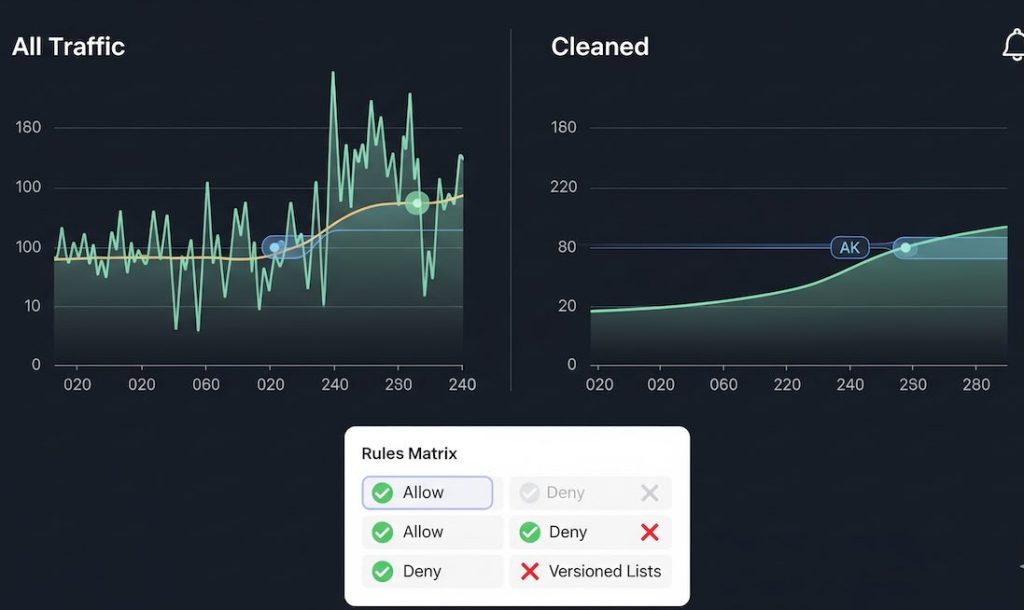
- Shadow mode first: label suspected bots via a custom dimension for 1–2 weeks. Build side-by-side dashboards: All Traffic vs Cleaned.
- Timeboxed A/B: challenge or block one suspicious segment (e.g., a specific placement ID or ASN) for 48–72 hours. Watch impact on revenue, CPC, CVR, and engagement.
- Annotate everything in GA and BI so trend lines remain explainable.
- Versioned allow/deny lists in Git or your tag manager with owners and dates.
Step 9: Don’t over-filter—protect growth
False positives hide real customers and pollute LTV models.
- Preserve exploration access: even when a WAF blocks, consider returning a 403 with a reason code you can analyze in logs.
- Maintain QA and partner allowlists (uptime monitors, accessibility scanners, affiliate verifiers).
- Keep country-level controls precise: prefer ASN or referrer rules over blunt geo blocks unless legally required.
Step 10: Governance and ongoing monitoring
Bots evolve; your defenses should too.
- Weekly bot dashboard: sessions, engagement rate, scrolls/session, add-to-cart rate, by campaign, ASN, UA, and referrer.
- Alerting: trigger when engagement rate drops >X% with sessions +Y% in an hour.
- Quarterly review with paid media: compare landing page metrics vs. platform clicks to spot inflated click bots.
- Post-mortems for every major spike: document signals used and rules added.
Sample “safe” rules to start with
Use these as labels (custom dimensions) first; convert to blocks after validation.
- Label as suspect when:
UA contains ("Headless" OR "PhantomJS" OR "Selenium" OR "python-requests" OR "curl/") - Label as suspect when:
language in ("(not set)", "C") OR LEN(language) > 6 - Label as suspect when:
screen_resolution IN ("0x0","1x1") - Label as suspect when:
engagement_time_msec < 300 AND event_count = 1
These won’t catch sophisticated bots, but they’ll strip out a lot of noise with minimal risk.
What “good” looks like after cleanup
- Stable session-to-user ratio and engagement rate by channel.
- Conversion rate and ROAS that no longer whipsaw after bursts of mystery traffic.
- A clear picture of creative and placement performance—so budget moves reflect human behavior, not scripts.
Bottom line: Treat bot mitigation as a measurement product. Detect broadly, label first, and only then block—surgically. You’ll keep your reports intact and your decisions honest.
