
GA4’s standard reports answer the obvious questions: how many users, which pages, what channels. But the moment you ask something specific — “where exactly do people abandon my signup flow?” or “what do users do right before they convert?” — the standard reports go quiet. That’s where Explorations come in. The Explore workspace is GA4’s analysis powerhouse, and it’s where casual GA4 users become genuinely dangerous with their data. This guide shows you the techniques that matter.
Explore has a learning curve, so it helps to keep the key controls close at hand — our cheatsheet generator can produce a one-page reference. But the real skill is knowing which exploration to reach for, so let’s start there.
Reports vs. Explore: Know the Difference
People waste hours in the wrong part of GA4 simply because they don’t know the two analysis areas have different jobs. Getting this right saves you most of the frustration.
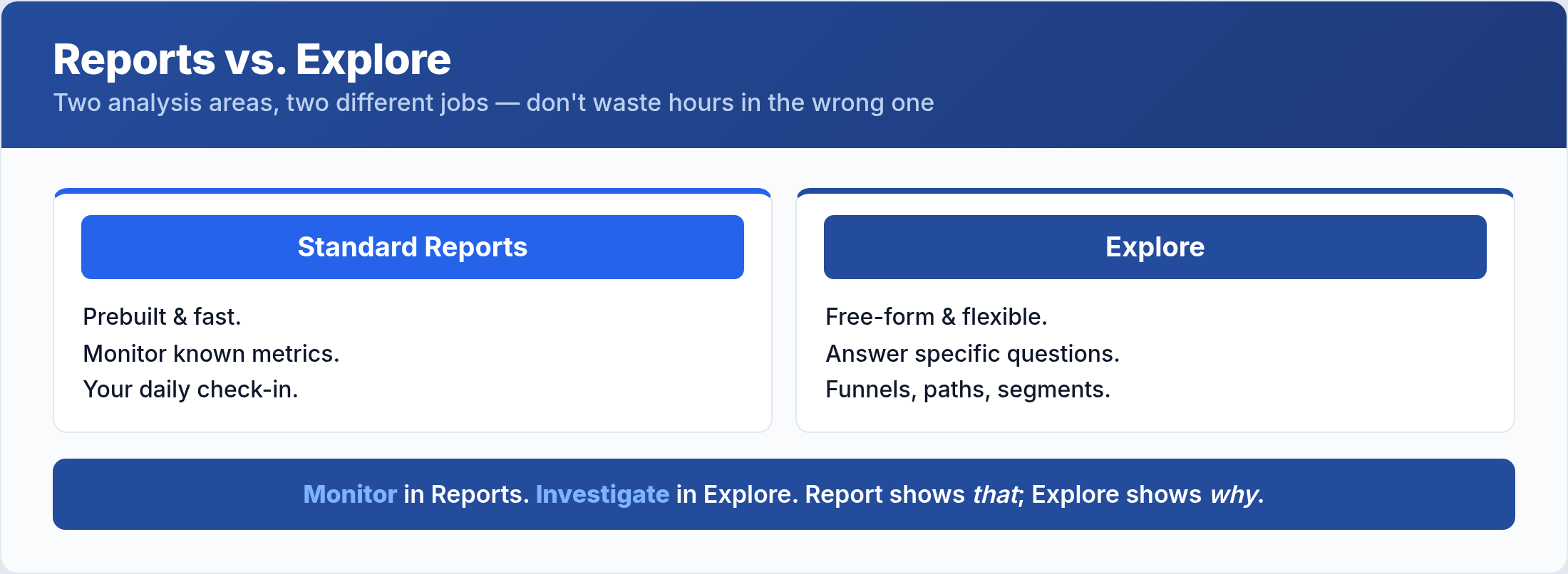
Standard reports are prebuilt, fast, and perfect for monitoring known metrics — your daily check-in. Explore is a flexible, free-form workspace for answering specific questions the standard reports can’t, with funnels, paths, and custom segments. The rule of thumb: monitor in Reports, investigate in Explore. When a standard report shows you that something happened but not why, it’s time to open Explore.
The Exploration Techniques That Matter
Explore offers several techniques, but a few do the heavy lifting for most real questions. Learn these and you can answer almost anything.
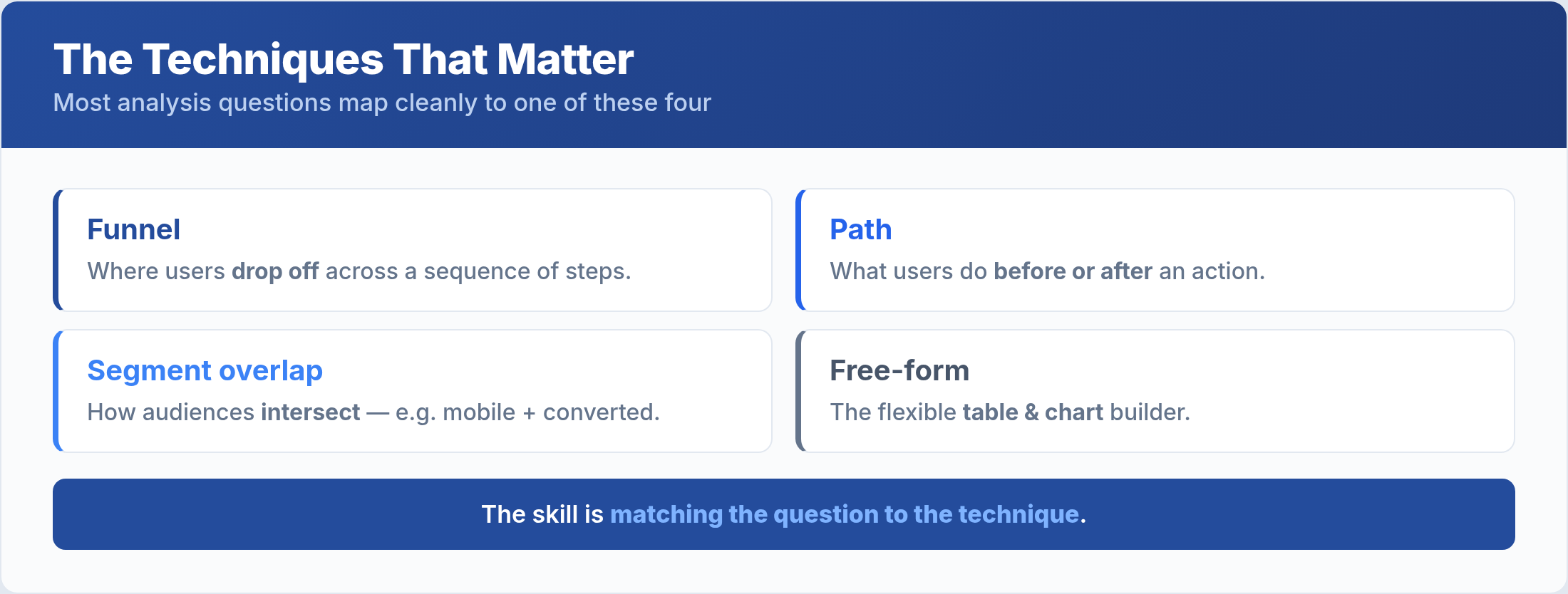
Funnel exploration shows where users drop off across a sequence of steps — the go-to for any conversion flow. Path exploration reveals what users do before or after a given action, exposing the journeys you didn’t expect. Segment overlap shows how different audiences intersect — for example, mobile users who also converted. And free-form is the flexible table-and-chart builder for custom breakdowns. Most analysis questions map cleanly to one of these four, so the skill is matching the question to the technique.
Funnel Exploration: Find the Drop-Off
If you only master one exploration, make it the funnel. It answers the single most valuable question in conversion analysis: where exactly are you losing people?
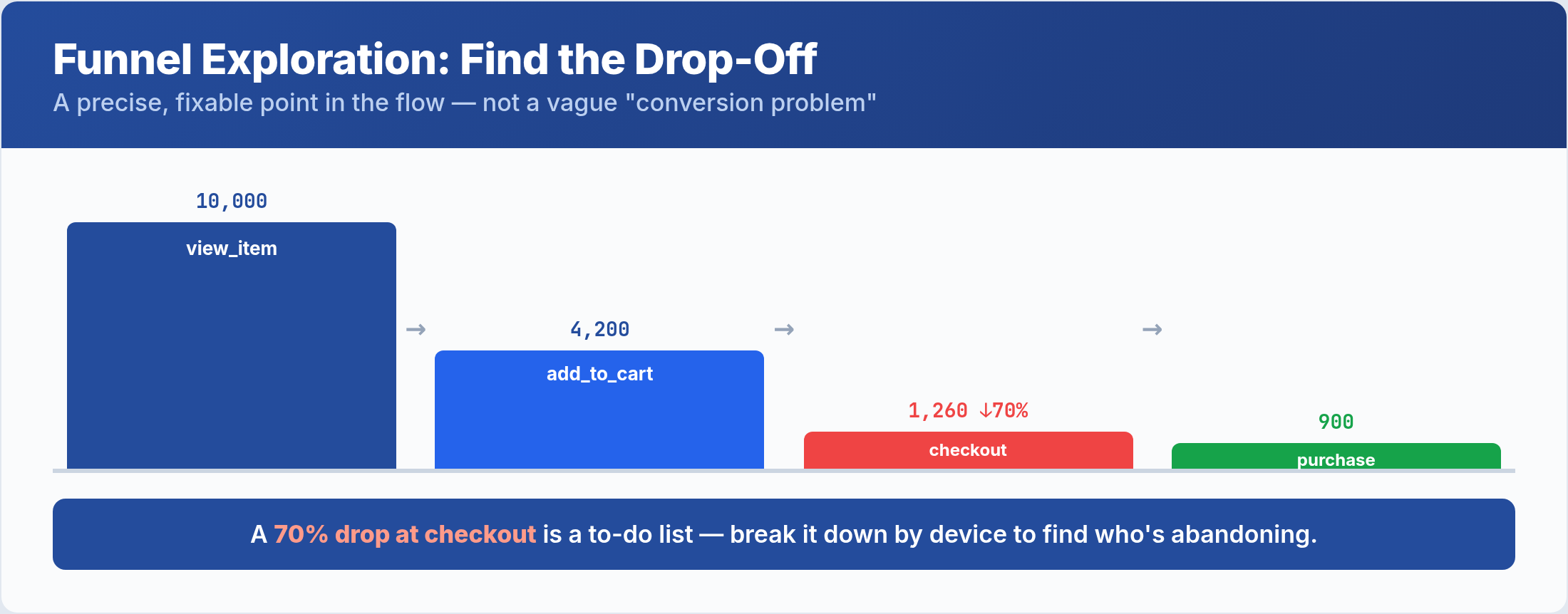
Define your steps as a sequence of events — view_item, add_to_cart, begin_checkout, purchase — and the funnel shows how many users make it from each step to the next, with the drop-off at every stage. A step where you lose 70% of users isn’t a vague “conversion problem”; it’s a precise, fixable point in the flow. You can also break the funnel down by a dimension — device, channel, session source — to see whether mobile users abandon at a different step than desktop. That single view turns a guess into a to-do list.
Path Exploration: See the Journey
Path exploration answers a question funnels can’t: not “did they complete my expected flow?” but “what did they actually do?” It maps the real sequences users take, forward or backward from any point.
Start from a conversion event and look backward to see the pages and actions that led to it — often revealing an influential page you never credited. Or start from your homepage and look forward to see where people actually go, which rarely matches your intended navigation. Path exploration is how you discover the journeys your user flow assumptions missed — the unexpected loop, the dead-end page, the surprise path to conversion. It’s investigation, not monitoring, and it routinely surfaces things no standard report would.
Use Segments to Slice the Data
Every exploration becomes more powerful when you apply segments. A segment is a subset of your data — a specific audience — and comparing segments is where the real insight lives.
Instead of analyzing all users at once, build segments like “mobile users,” “users from organic search,” or “users who viewed three or more products,” then compare how each behaves in your funnel or path. Aggregate data hides the story; a 4% overall conversion rate might be 8% on desktop and 1% on mobile — two completely different problems averaged into one misleading number. Layering segments onto a funnel or path exploration is the technique that separates surface-level reporting from genuine analysis, and it ties directly back to the engaged sessions and conversion metrics you already monitor.
Common Exploration Mistakes
Explore’s flexibility is also where people trip up. Avoid these.
- Living in Explore. It’s for investigation, not daily monitoring. Use standard reports for routine checks and save Explore for specific questions.
- Analyzing all users at once. Aggregate data averages away the insight. Segment before you conclude anything.
- Ignoring sampling. Large explorations can be sampled, meaning they’re based on a subset. Check the sampling indicator before trusting an exact number.
- Building funnels on the wrong events. A funnel is only as good as its steps. Make sure each step is a real, correctly-firing event from your tracking.
- Not saving useful explorations. A great analysis you have to rebuild from scratch every week is a waste. Save and reuse the ones that earn their place.
Frequently Asked Questions
What’s the difference between Reports and Explore in GA4?
Reports are prebuilt views for monitoring known metrics quickly. Explore is a free-form workspace for custom, deep-dive analysis with funnels, paths, and segments. Monitor in Reports; investigate in Explore. When a report shows that something happened but not why, switch to Explore.
How do I see where users drop off in GA4?
Use a funnel exploration. Define your steps as a sequence of events, and the funnel shows the percentage of users who advance from each step to the next, with the drop-off at every stage. Break it down by device or channel to see whether different audiences abandon at different points.
Why are my Explore numbers different from my reports?
Often it’s sampling or differing definitions. Large explorations may be based on a sample of data, while standard reports usually aren’t, and the two can scope dimensions slightly differently. Check the sampling indicator in Explore and confirm both are measuring the same event before assuming a discrepancy.
Can I save and share an exploration?
Yes. Explorations can be saved within your GA4 property and shared with others who have access. Saving the analyses you reuse — a weekly funnel, a key path — turns Explore from a one-off tool into part of your regular workflow without rebuilding each time.
The Bottom Line
Explore is where GA4 stops describing your traffic and starts explaining it. Keep standard reports for monitoring, and turn to Explore the moment you have a specific question they can’t answer. Reach for a funnel to find exactly where users drop off, a path to discover the journeys they actually take, and segments to compare audiences instead of averaging them into a misleading whole. Mind sampling, build funnels on correctly-firing events, and save the explorations you reuse. Master these few techniques and you’ll answer questions about your data that most GA4 users never even think to ask.
