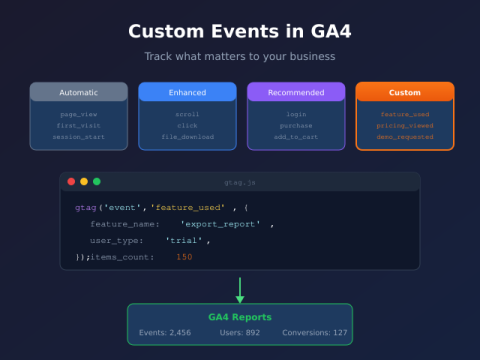
GA4 custom events look simple until you hit naming chaos at scale. ButtonClick, button_click, and btn-click are three separate event names tracking the same action — and GA4…
GA4 cross-domain tracking has one job: make sure a user who starts on siteA.com and finishes on siteB.com shows up as one person in your reports — not…
Google Consent Mode v2 is the signal layer that tells Google what your tags can and cannot store. Without it, EEA traffic stops feeding Google Ads remarketing audiences…
Server-side tracking moves the heavy lifting of analytics out of the browser and into your own infrastructure. The browser sends one request to a domain you control, your…
The worst tracking bugs are the silent ones. A tag stops firing, a parameter goes missing, an event doubles — and nothing breaks visibly. The site works, the…
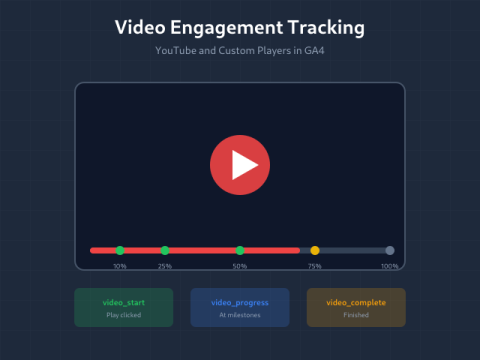
Video content drives engagement, but without tracking, you’re blind to what actually works. Did viewers watch 10 seconds or 10 minutes? Did they skip to the end? Did…
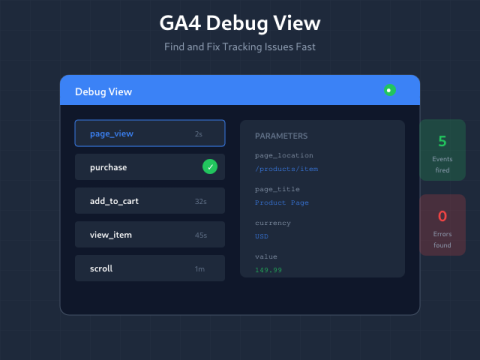
Your tracking looks correct. Events should fire. But something’s wrong — data isn’t showing up, parameters are missing, or conversions aren’t counting. GA4 Debug View shows exactly what’s…
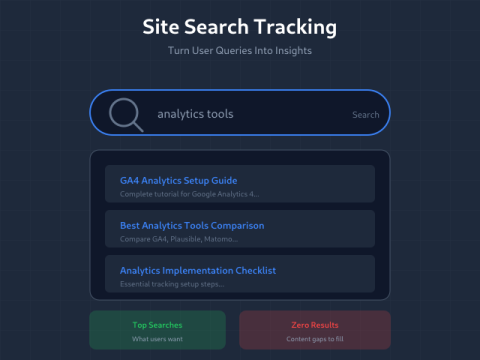
When users search your site, they’re telling you exactly what they want — and often, what they can’t find. Site search tracking captures these signals. Every search query…
GA4’s automatic event tracking captures the basics—page views, scrolls, outbound clicks. But your business isn’t basic. Custom events let you track exactly what matters: feature usage, content interactions,…
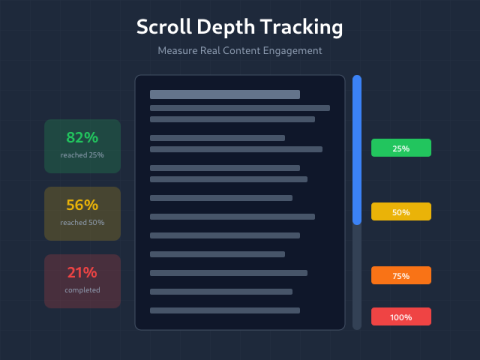
Pageviews lie. A visitor can “view” your page for 2 seconds, see nothing, and bounce. Scroll depth tracking reveals actual engagement — how far people scroll, where they…